Welcome to Civic
What is Civic?
Civic is the agent integrator for mid-market businesses. We ship forward deployed agents — production agents scoped to your workflow, built on your stack, governed from day one.
The Civic platform connects your AI agents to all your tools — GitHub, Slack, Dropbox, databases, CRMs, and dozens of other services — with guardrails, audit trails, and instant revocation built in.
Our team has shipped production systems in financial services, legal identity, enterprise AI, manufacturing, and publishing for twenty years. We bring that operational depth to every agent we deploy.
The Civic Method
- 1Discovery
45-minute call, free. Pick one workflow your team keeps postponing — RFP response, pitch prep, contract review, AP coding, RFQ response. You walk out with a one-page scope memo.
- 2Scope & Build
On your stack. Built on your data, your SSO, your infrastructure. Civic components only where you want them or where nothing you already run does the job.
- 3Shadow
Human-in-the-loop validation. Your team reviews every agent action before it runs autonomously. Configurable review checkpoints. No change orders unless you expand scope.
- 4Cutover
A live production agent, a clear view of what it's doing, documentation to manage it, and a full handover if you want to run it yourself.
Free. No commitment. We scope it and tell you if it's a fit.
How the Platform Works
Start with Civic Chat
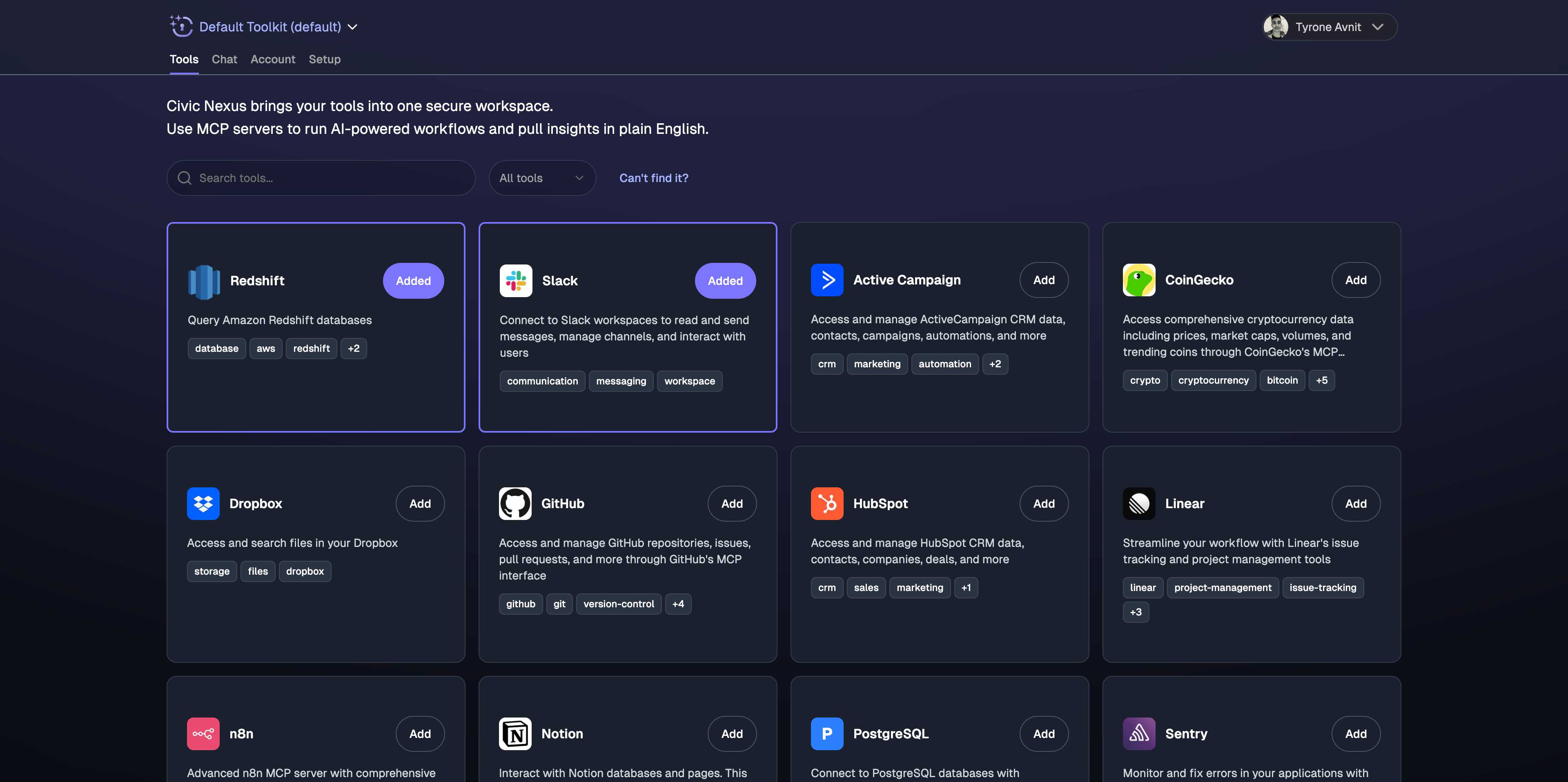
- 1Sign up at app.civic.com
Create your account and browse dozens of available MCP servers (GitHub, Slack, Dropbox, etc.)
Sign up and browse tools - 2Click 'Chat' to test immediately
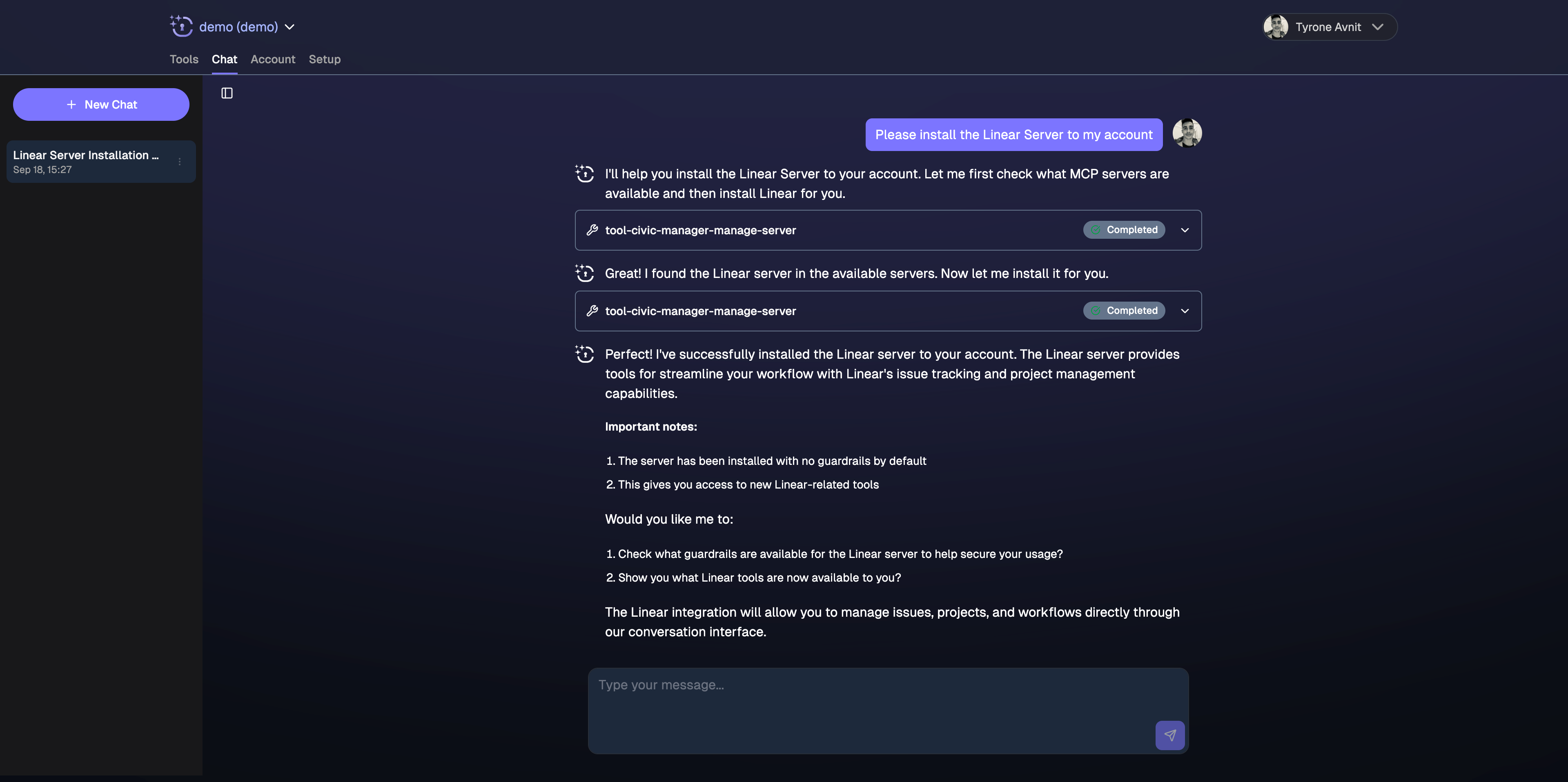
Use the built-in chat interface — no setup required, start testing tools right away
Built-in Civic chat interface - 3Ask for what you need
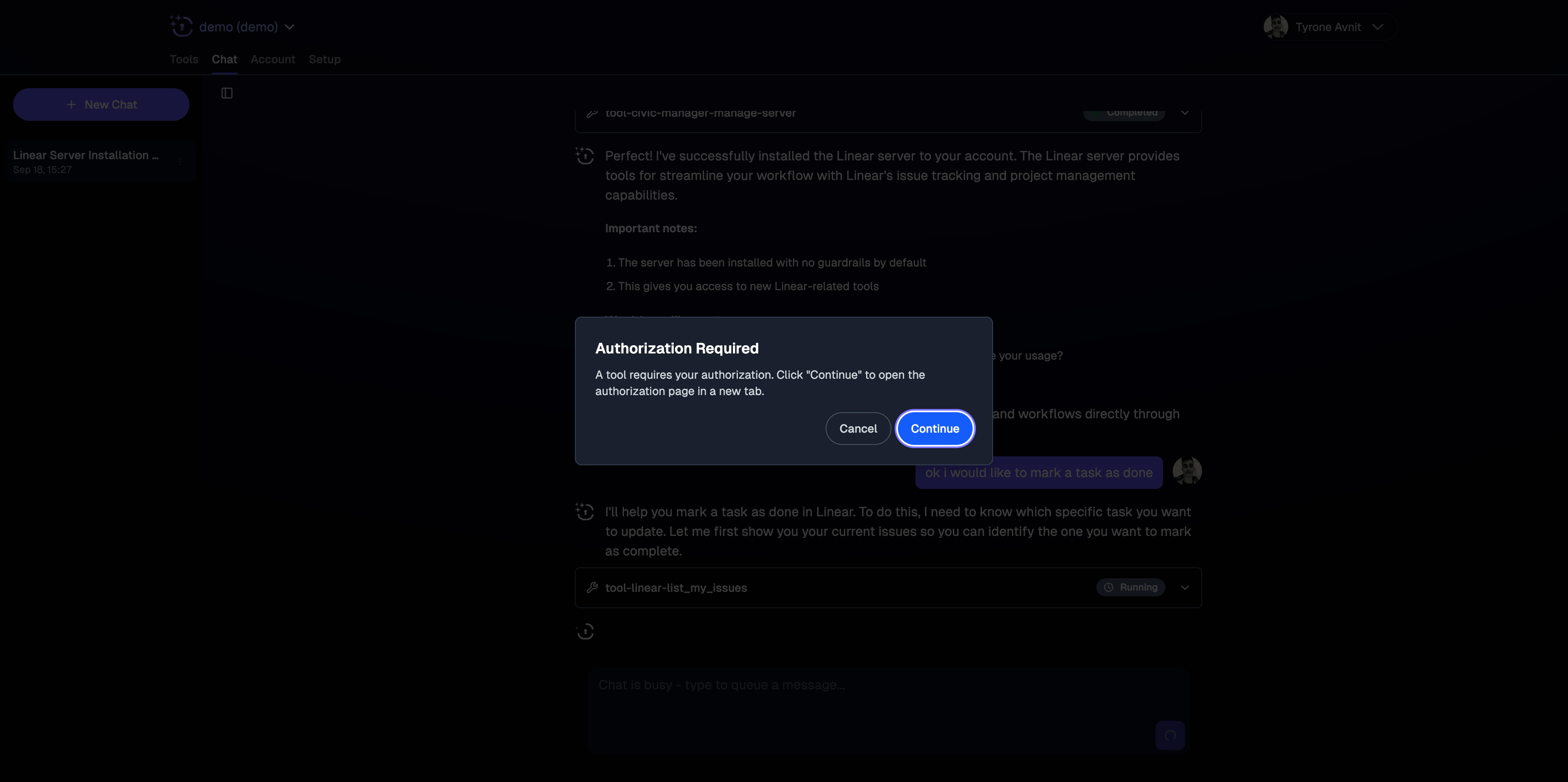
Request tools and authorizations directly in chat: "Connect me to GitHub", "Check my Slack messages"
Tool authorization in chat - 4Start working
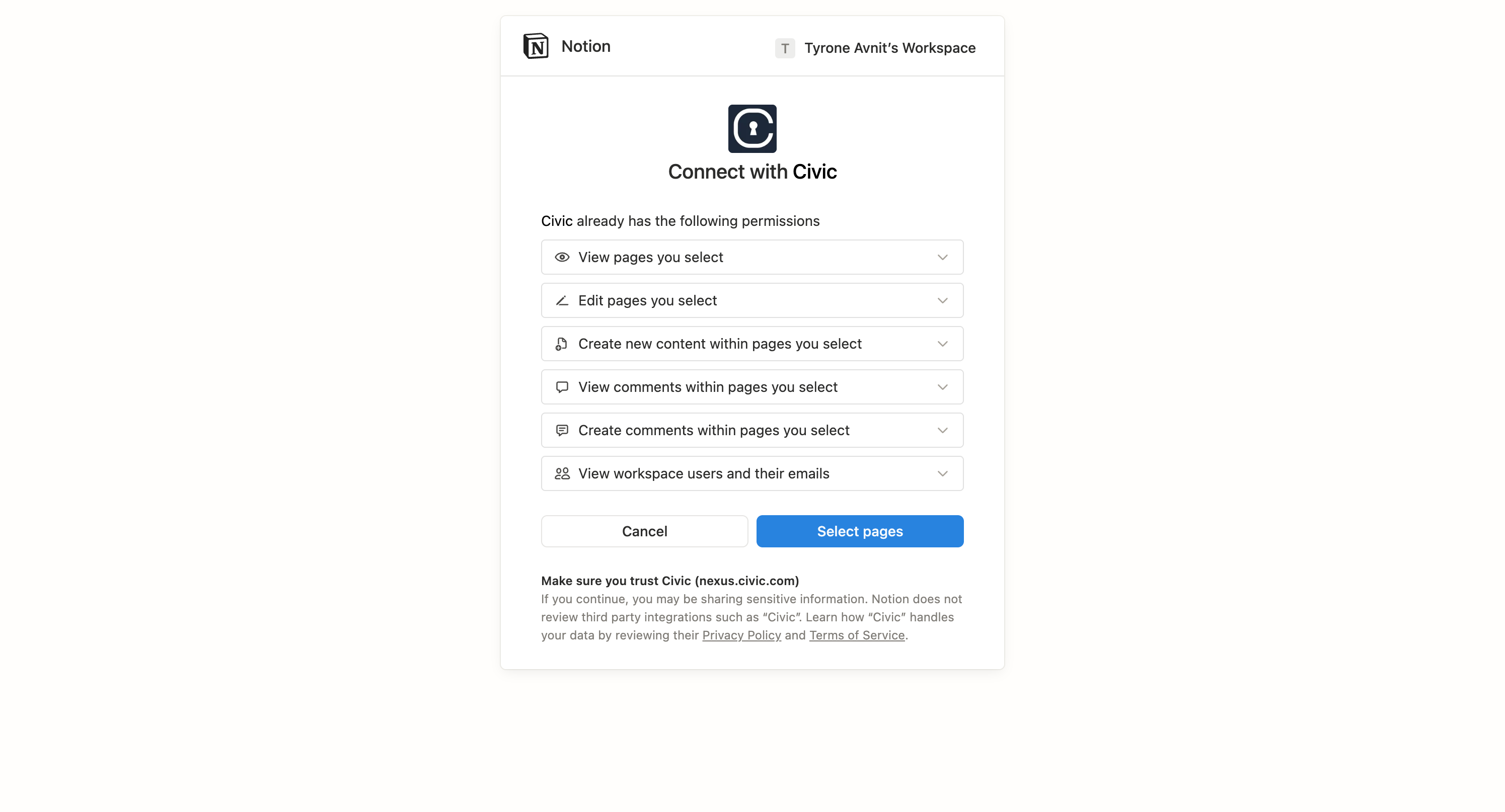
Your AI assistant can now access your tools — all within the Civic interface
AI using your connected tools
Connect External AI Clients
Once you've tested in Civic Chat, you can connect external clients like Claude and development tools.
No server management, no API keys to juggle, no complex configurations.
2 minutes — Most popular AI client
2 minutes — Development IDE integration
2 minutes — AI-powered code editor
What Agents Can Do
Once connected, your agents can work across all your tools. Here's what that looks like by vertical:
"Prepare a competitive analysis for the pitch deck using HubSpot and Google Analytics data"
"Pull this month's campaign performance from ActiveCampaign and post a summary to #marketing in Slack"
"Generate co-op ad compliance report from partner submissions in Dropbox"
"Create client reporting deck from our PostgreSQL analytics data"
"Review the uploaded contract against our standard terms in Notion"
"Run a conflicts check across our CRM contacts in HubSpot"
"Pull AP data and prepare this month's close summary"
"Generate a consolidated financial report from QuickBooks data"
"Draft an RFQ response using specs from the Dropbox project folder"
"Create supplier onboarding checklist tickets in Linear"
"Pull quality documentation from our PostgreSQL system and generate the audit packet"
"Send dispatch schedule updates to #operations in Slack"
"Check my open GitHub pull requests"
"Create an issue for the login bug with debugging details"
"Send a Slack message when the deployment finishes"
"Summarize today's Slack messages in #general"
"Create a report from our PostgreSQL sales data"
"Find all files updated in Dropbox this week"
Organize Tools with Toolkits
Create focused groups of tools for specific workflows instead of overwhelming your AI with every available service.
Why toolkits matter: When AI assistants have access to too many tools at once, they often choose the wrong ones or get confused. Toolkits solve this by creating focused, task-specific tool groups.
Google Analytics + Notion + Slack for pulling data, documenting insights, and sharing reports
GitHub + PostgreSQL + Notion for investigating issues, querying databases, and documenting solutions
Create focused tool groups that help your AI work more effectively on specific tasks
Governance & Security
Every agent deployed through Civic runs inside a governance envelope: scoped access per task, tamper-evident audit trail, one-click kill switch, and SOC 2 Type 2-aligned controls.
Your data security is our top priority. Civic is designed for secure infrastructure with encrypted credential management and proactive server security reviews.
Every tool call logged — tool name, parameters, response, timestamp, agent identity
Block tools, enforce read-only access, preset parameters at tool, server, and toolkit level
Instant revocation at any granularity — one tool, one server, or the entire toolkit
Full security reference, compliance details, and threat model
All Supported Clients
Primary AI Assistants
Available — Direct connector — 2 mins
Available — Direct connector — 2 mins
Available — Direct connector — 2 mins
Development Tools
Cursor, VS Code, JetBrains IDEs, and more — Setup guides for development environments
Available Tools & Services
Connect to dozens of MCP servers with hundreds of tools:
Manage repos, create issues, review PRs
Send messages, search conversations
Access files, upload documents
Manage databases, create pages
Plus: ActiveCampaign, PostgreSQL, HubSpot, Airtable, Linear, and many more.
Complete directory of MCP servers with setup guides